

Sweet Security Integration
Overview
The Jit–Sweet Security integration enriches your vulnerability findings with runtime context by importing package runtime data from Sweet Security into Jit.
Jit can identify which vulnerable packages are actually loaded, executed, or communicating at runtime, helping you prioritize the vulnerabilities that matter most.
By combining Sweet Security's cloud-native runtime visibility with Jit's security automation, you can focus on issues that have real runtime impact and keep your most critical applications protected.
Integration Capabilities
Once integrated, you get:
- Runtime visibility: Jit imports which packages are in use at runtime from Sweet and links that data to packages and SCA findings in the knowledge graph.
- Context graph enrichment: The knowledge graph is enriched with Sweet’s runtime package data so relationships and attributes reflect actual usage.
- Unified Security Workflow: Findings whose vulnerable package is confirmed in use at runtime get the "Runtime Validated" factor so you can prioritize and filter them in the Findings page.
Integration Setup
Prerequisites
- An active Sweet Security account.
- Permissions to create API tokens in Sweet Security.
- A Jit account with administrative privileges.
Quickstart
-
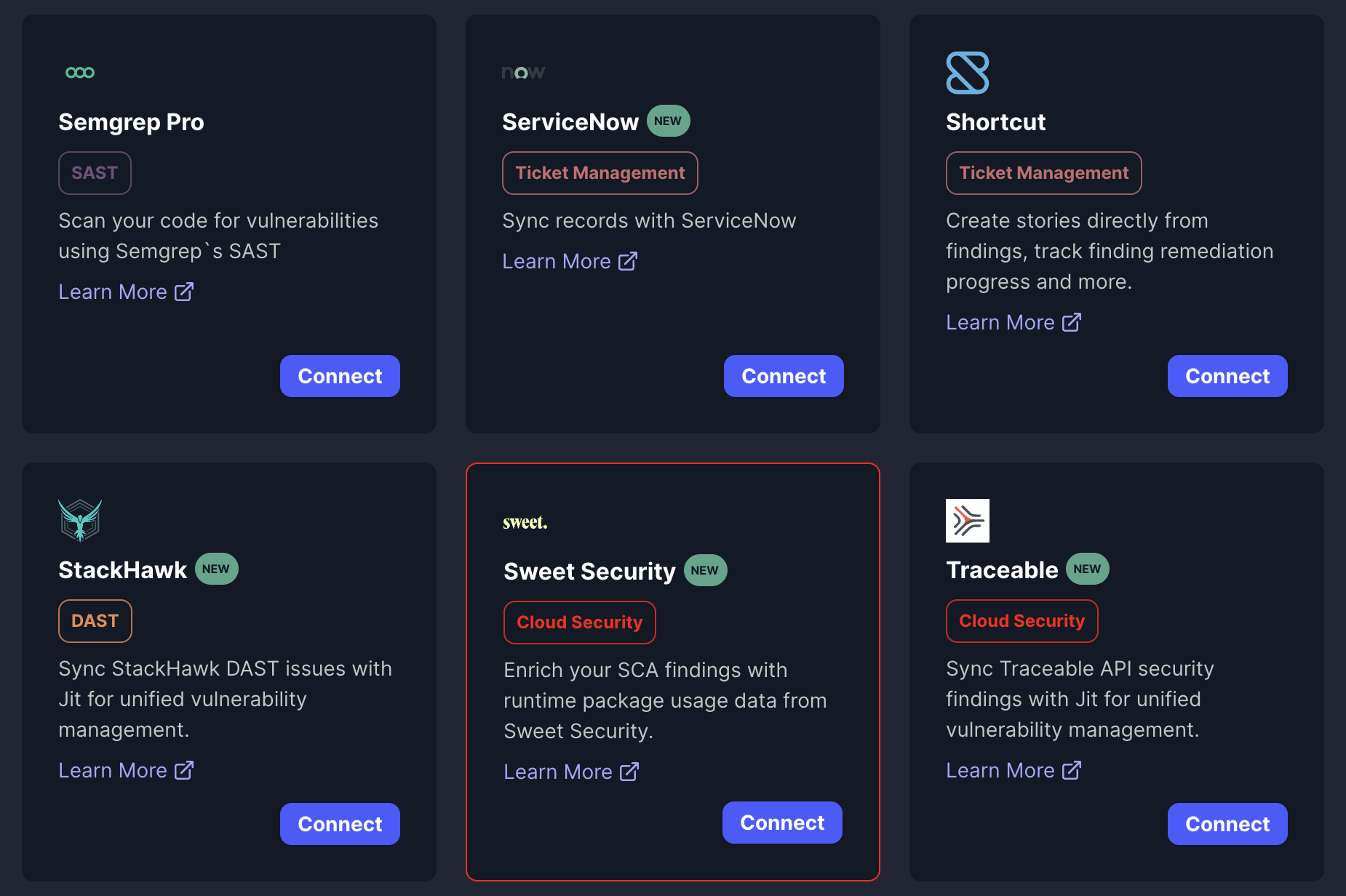
In Jit's web app, go to the Integrations page.
-
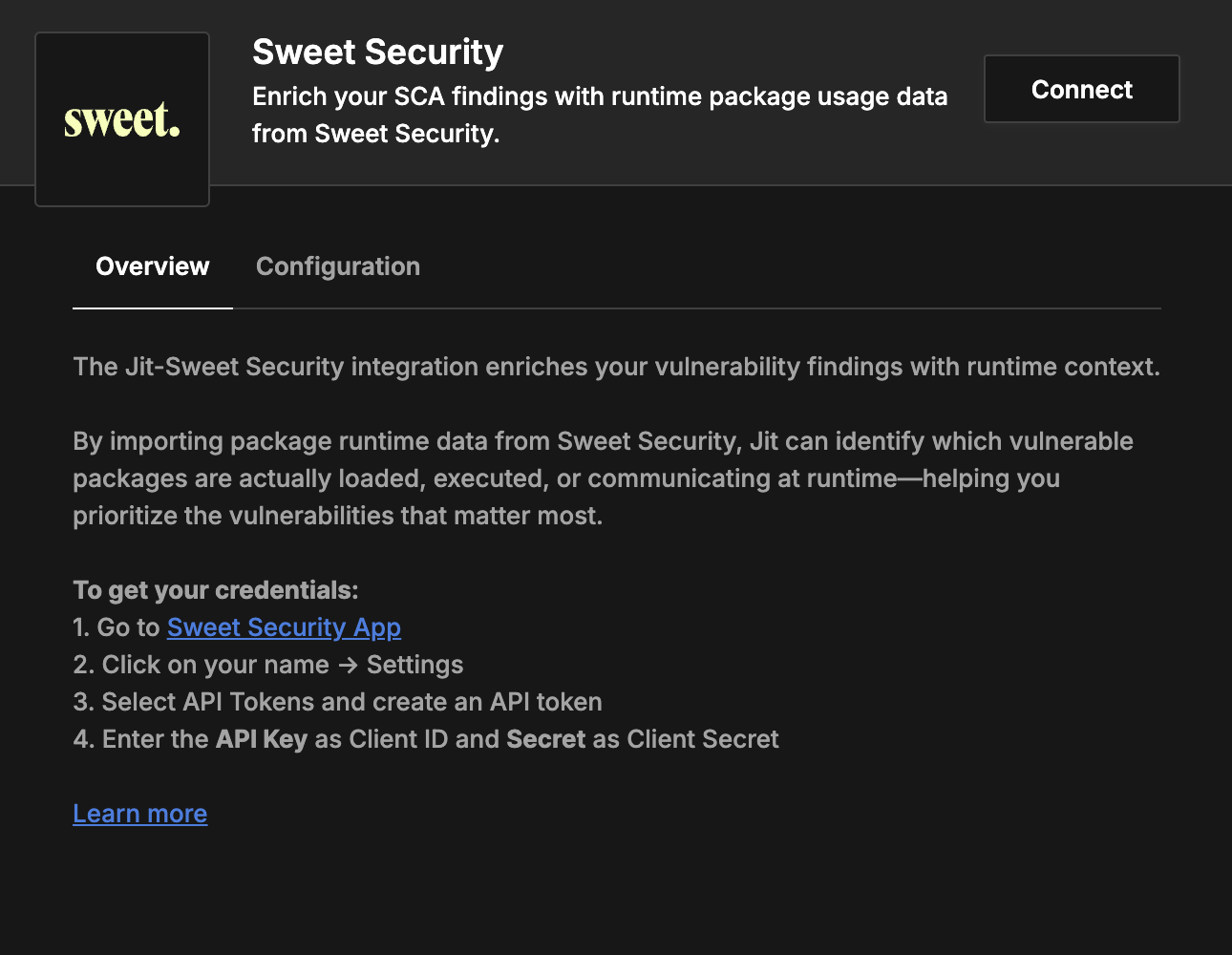
Find the Sweet Security card and click Connect.
-
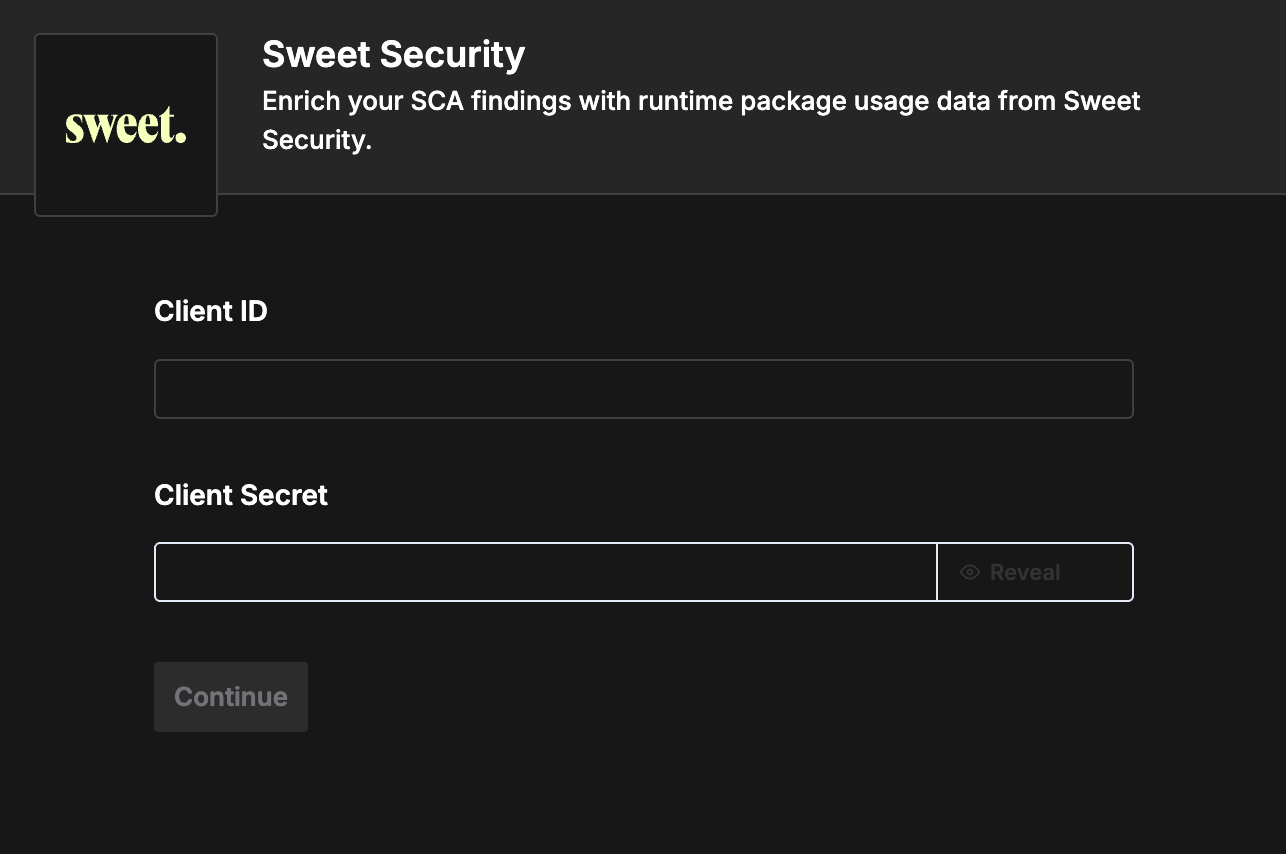
When prompted, provide:
-
Client ID: Your Sweet Security API Key
-
Client Secret: Your Sweet Security Secret
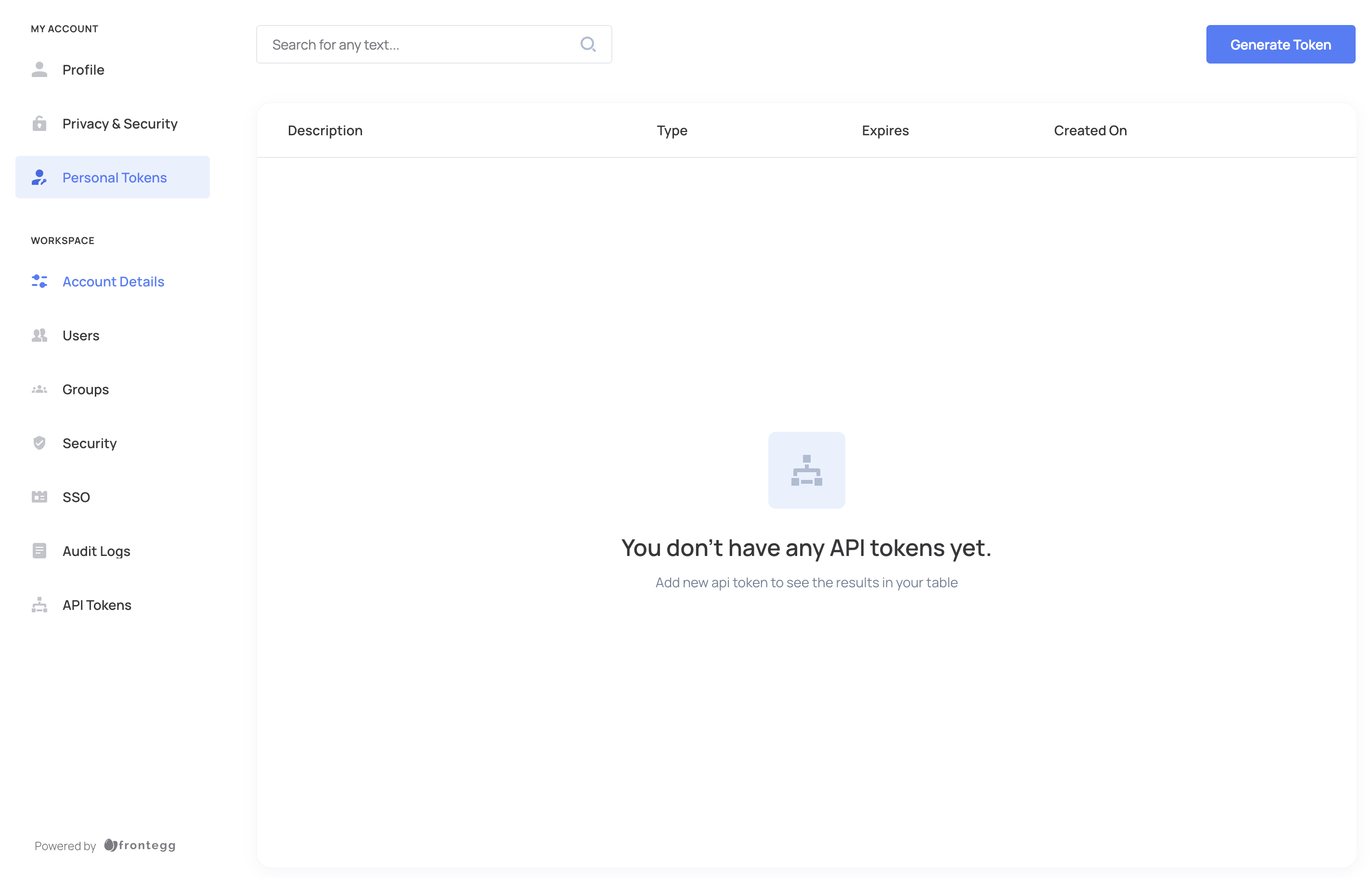
To get these in Sweet Security:
-
Open the Sweet Security App.
-
Click your name → Settings.
-
Go to API Tokens and create an API token.
-
Use the API Key as Client ID and the Secret as Client Secret in Jit.
-
-
After submitting your credentials, the connection is complete. Jit will start syncing package runtime data from Sweet Security and use it to enrich findings.
Data Synchronization
After the integration is connected, Jit periodically pulls package runtime data from Sweet Security and links it to existing packages in the knowledge graph. The package enrichment pipeline then uses this to set runtime validation flags and improve prioritization. You do not need to configure anything else for ongoing sync.
Troubleshooting
If you run into issues:
- Check credentials: Ensure the API token in Sweet Security is valid and has the right scopes. Use the API Key as Client ID and the Secret as Client Secret in Jit.
- Network and endpoints: Confirm Jit can reach Sweet's API (
https://eapi.sweet.security). If you use a proxy or firewall, allow these calls. - Integration status: In Jit, open Integrations and confirm Sweet Security shows as connected. If it shows an error, try disconnecting and reconnecting with the same credentials.
For further help, contact Jit Support.
Updated 6 months ago